
Splitting Ticket
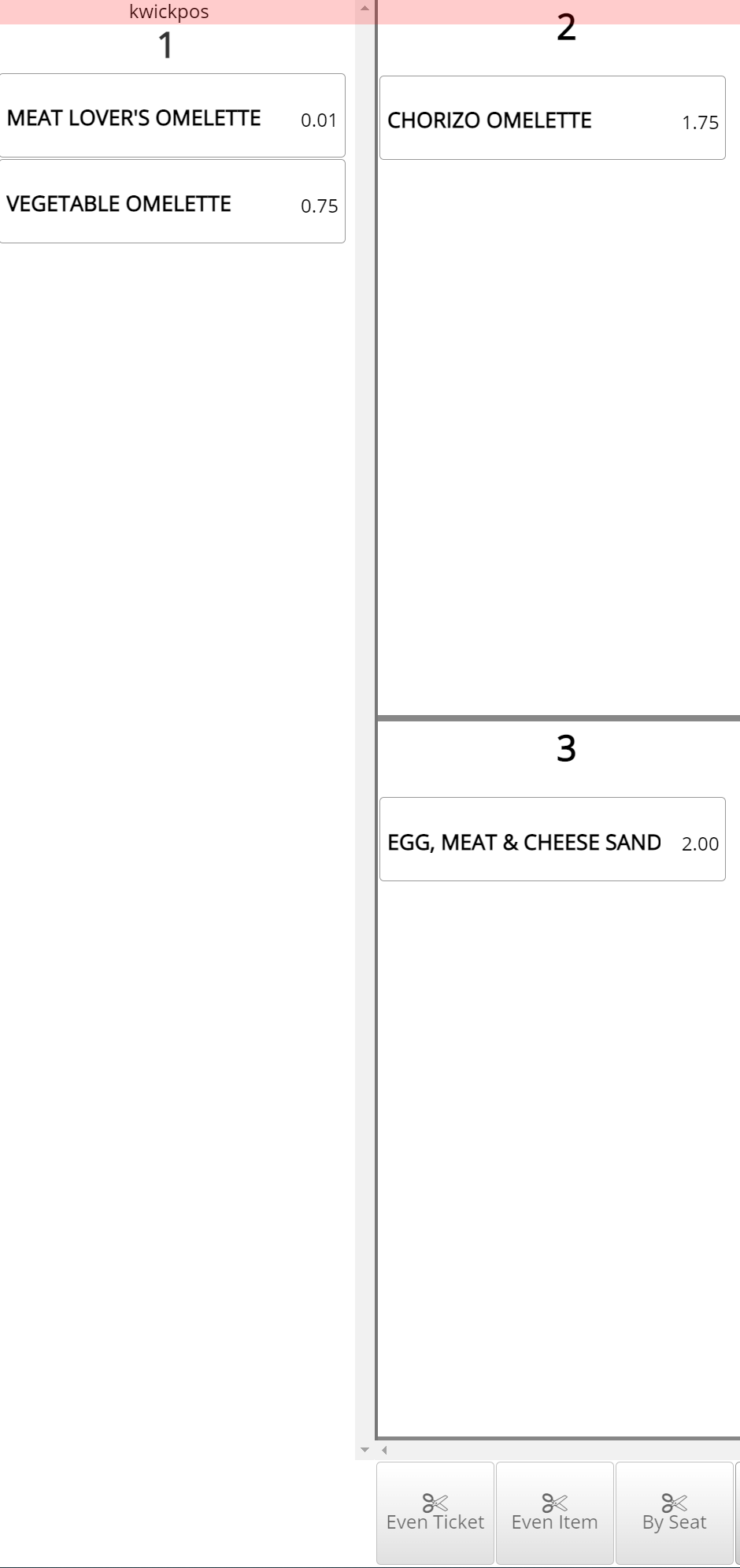
Splitting Tickets: If you would like to separate items onto different tickets, you can split them. There is not limit to how many times a ticket can be split.
There are 4 ways to Split:
- Selecting items and moving them to a different ticket
- Splitting ticket evenly by a certain number
- Splitting items evenly by a certain number
- Splitting items by seat number
Enable 2 different Split interfaces:
Tools->Back Office->Advanced->System->General->Kwick Split->No
Splitting tickets:
Go to Orders->Select order->Split->Split order the Done
If you need further assistance, please contact our support team:
Support Available in English & Spanish
Tel: 800-211-1256, option 1
Email: support@chargeanywhere.com
Hours: 9:00AM-9.00 PM EST Monday-Saturday,
9am to 6pm EST, Sunday