
How to Log In to K-POS
Logging into the system is the second step. Follow this step-by-step guide to ensure a smooth login process.
Step 1: Gather Your Credentials
Before you start, make sure you have the following information:
Password or Access Card: This should also have been provided or set up by you during your initial setup.
Step 2: Enter Your Credentials
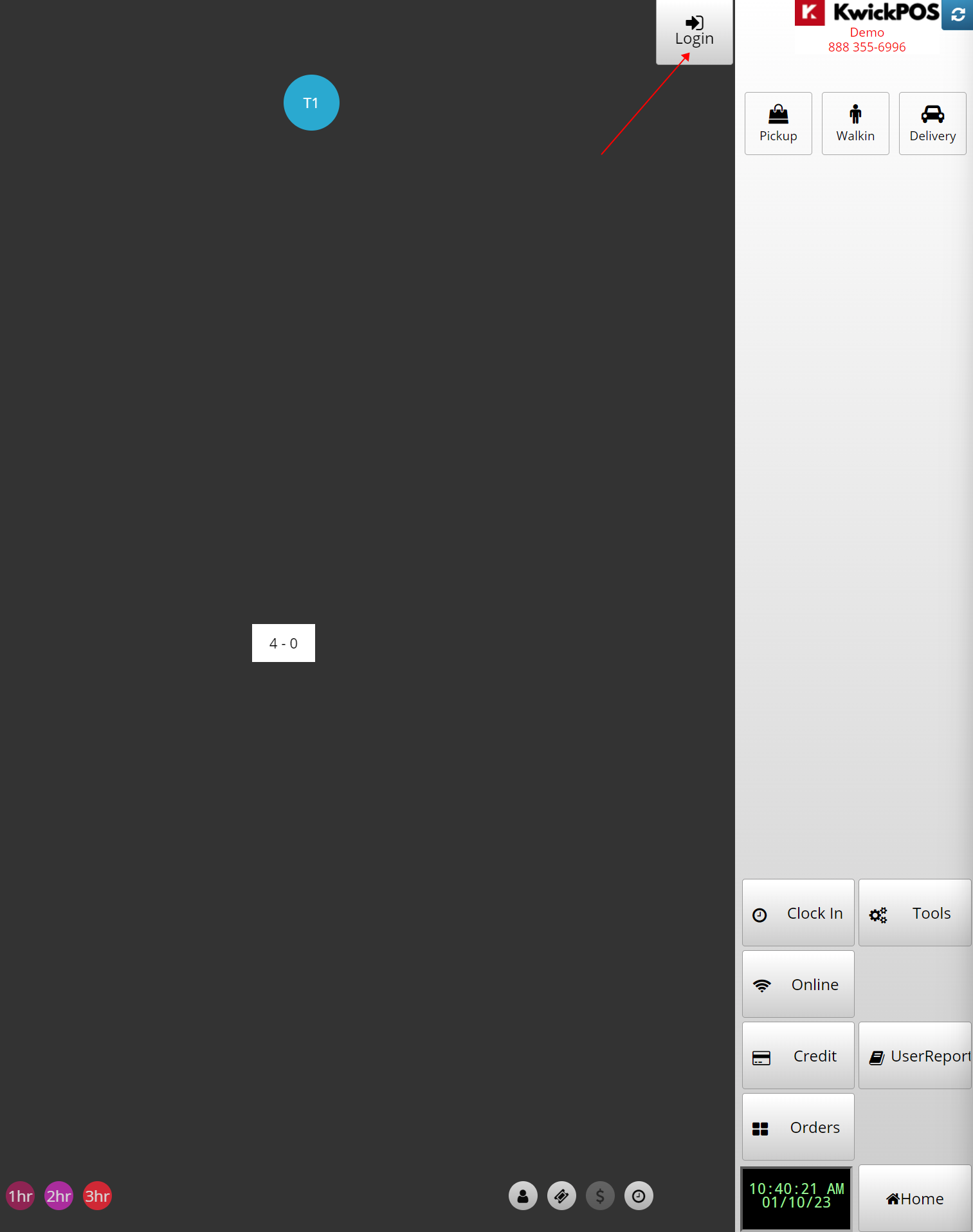
Go to Login
There are 2 ways to Login:
>>Passcode
>>Access Card
If you tap on the Login again, it will log you out.
If you need further assistance please contact our support team:
Support Available in English & Spanish
Tel: 800-211-1256, option 1
Email: support@chargeanywhere.com
Hours: 9:00AM-9.00 PM EST Monday-Saturday,
9am to 6pm EST, Sunday